



NiSi JetMag Pro Adapter Rings
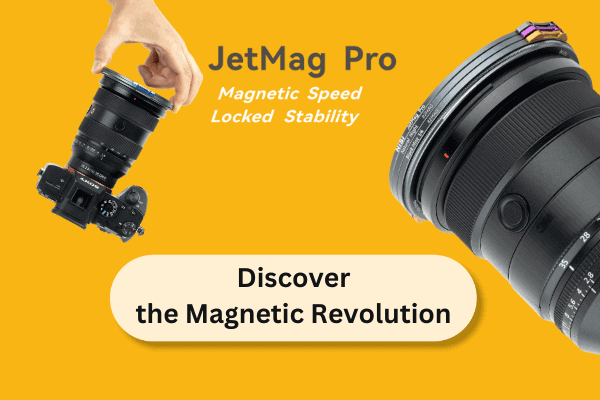
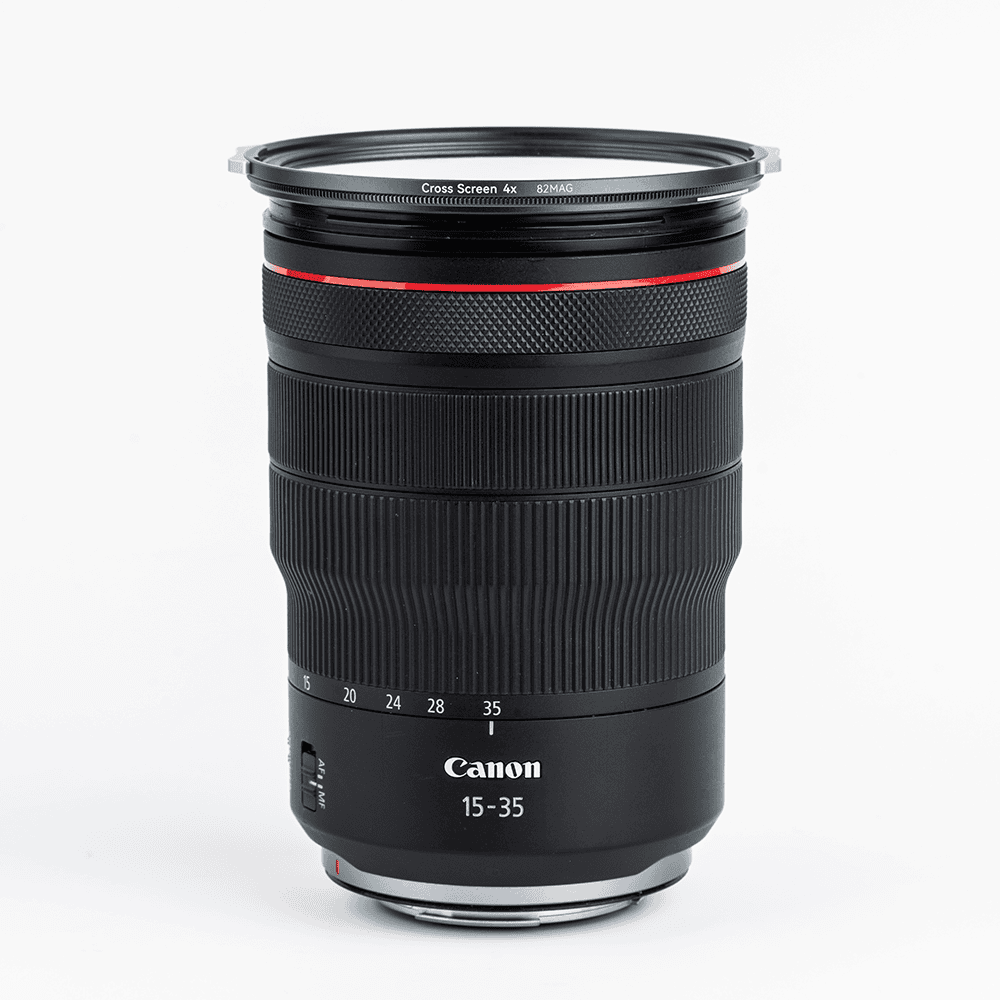
The JetMag Pro Adapter Rings allow you to mount JetMag Pro magnetic filters onto your lenses.
To choose the correct product, first select the diameter of the JetMag Pro magnetic system you own: 67mm, 82mm, 95mm, or MagMax.
Then simply select the thread diameter of your lens: this way you will purchase the correct ring, which screws onto your threaded lens on one side, while allowing you to attach your 67mm, 82mm, 95mm, or MagMax JetMag Pro magnetic filter on the other.
If you have a SONY 14 F1.8, NIKKOR Z 14-24 F2.8, CANON RF 14 F1.4 L or Olympus 7-14 f/2.8, select the specific adapter ring designed for your lens.
This is therefore a special step-up ring, with one magnetic side and one threaded side, rather than having threads on both sides. If you purchase a JetMag Pro Kit, many adapter rings are already included: before buying, check whether the ring you need is already part of the kit.
This adapter ring comes with only a lens side thread, while on the front, it comes with a magnetic strip (not thread) to be only used with the JetMag Pro filters.
Perfect to be used with the JetMag Pro FS ND, JetMag Pro Black Mist, JetMag Pro Night Filters, JetMag Pro True Color CPL and the JetMag Pro UV filters, also compatible with the JetMag Pro Front Lens Cap (not the Back Lens Cap).

JetMag Pro product specifications
Speed
- Magnetic Speed with a Snap: JetMag Pro filters’ magnetic design allows for rapid installation and removal.
- Quick and Comfortable Removal: Equipped with two small handles, these filters can be removed comfortably and quickly.
- Easy Identification: Multi-coloured handles help quickly identify different filters in your kit.

Steady
- Rotate, Lock, and Stability: The patented locking design ensures stability by rotating the small handle to the marked position, securely locking multiple filters.
- Multi-Filter Locking: Securely stack and lock multiple filters without compromising stability.

Slim
Ultra-Slim Frame for Wide Lenses: Designed to be ultra-slim, JetMag Pro allows two filters on lenses as wide as 15mm without causing vignetting.

Versatile
- Adaptable to Various Lenses: Compatible with different filter thread lenses using adapters.
- Protective Metal Lens Caps: Front and back metal lens caps can be quickly installed and removed, offering protection for both filters and lenses.
- Range of Filters for Every Scene: Choose from various filters designed for landscapes, portraits, nightscapes, video, and filmmaking.
- Low-Reflective Nano-Coating: Features a low-reflective nano-coating that effectively reduces glare, even when stacking multiple filters.

How to Lock JetMag Pro Filters
Single Filter Lock: Install a filter with the handles 45 degrees from the white lines on the adapter. Rotate the small handles until they align with the white lock line. Once aligned, the filter is securely locked and cannot be removed.
Multi Filter Lock: Install multiple filters with the handles 45 degrees from the white lines on the adapters. Align the small handles of each filter frame and rotate them together to match the white lock line on the adapter. When the handles are aligned, the filters are securely locked to each other.

How to Unlock JetMag Pro Filters
Single Filter Unlock: Rotate the small handles 45 degrees away from the white lock line on the adapter. This will unlock the filter, allowing it to be detached.

Multi Filter Unlock: Rotate the small handle of the rear filter connected to the adapter 45 degrees from the white lock lines that indicate the lock. This will unlock the stacked filters, enabling them to be disassembled together. By rotating the handles of each filter 45 degrees, they will unlock and can be detached.

Installation Tips
JetMag Pro uses a magnetic installation with a locking design. When installing the filter align the handles 45 degrees from the white lock lines on the adapter, then rotate the filter to the lock white lines to firmly lock. For multiple filters, stagger the positions of the small handles on each filter.

How to minimise vignetting
The JetMag Pro allows two filters to be used on 15mm without vignetting.
After installation, rotate the small handles about 45 degrees toward the corners of your composition to minimise vignetting as much as possible.


Reviews
There are no reviews yet.